At the table
Turn every table into an ordering point.
Customers scan. Order. The kitchen gets the ticket. You spend time on the table, not on taking every line.
Scan to order
Table 4
The floor cannot take every order.
On a full terrace, waiting for a pad slows service. Guests already have a phone. The kitchen still needs a clear ticket.
The table already knows who it is.
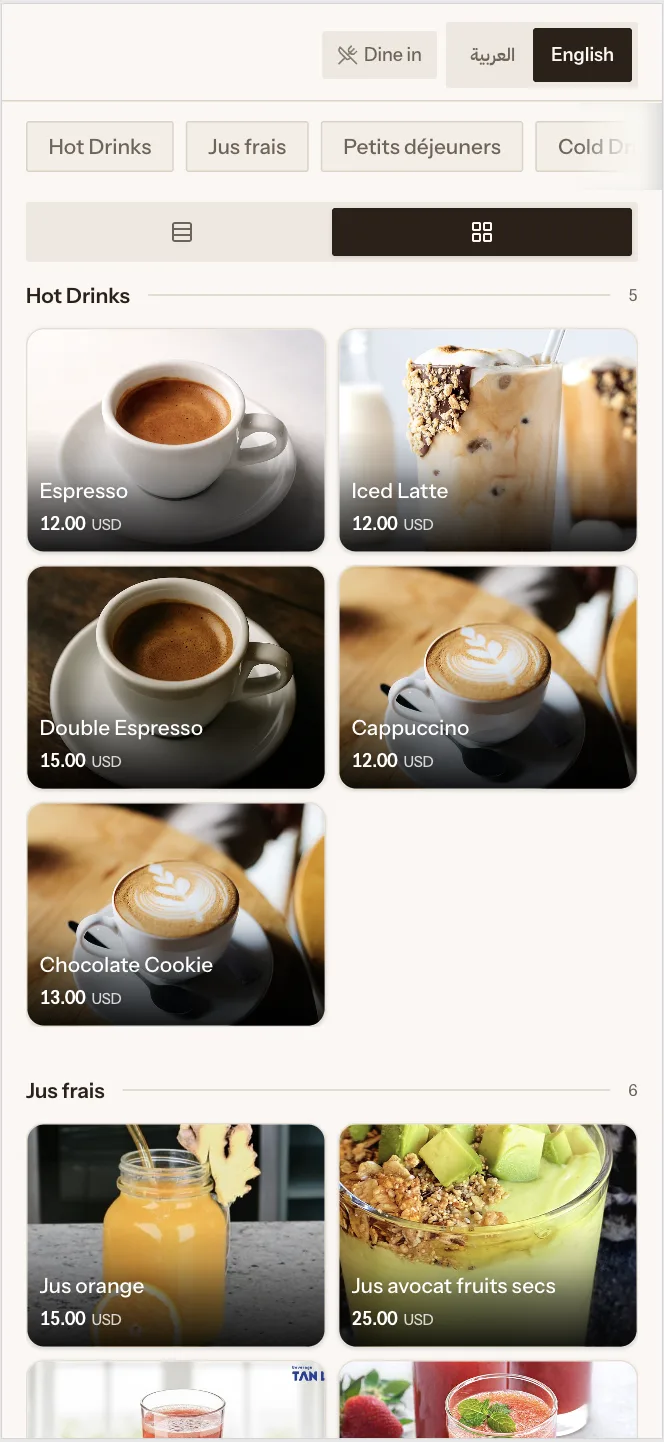
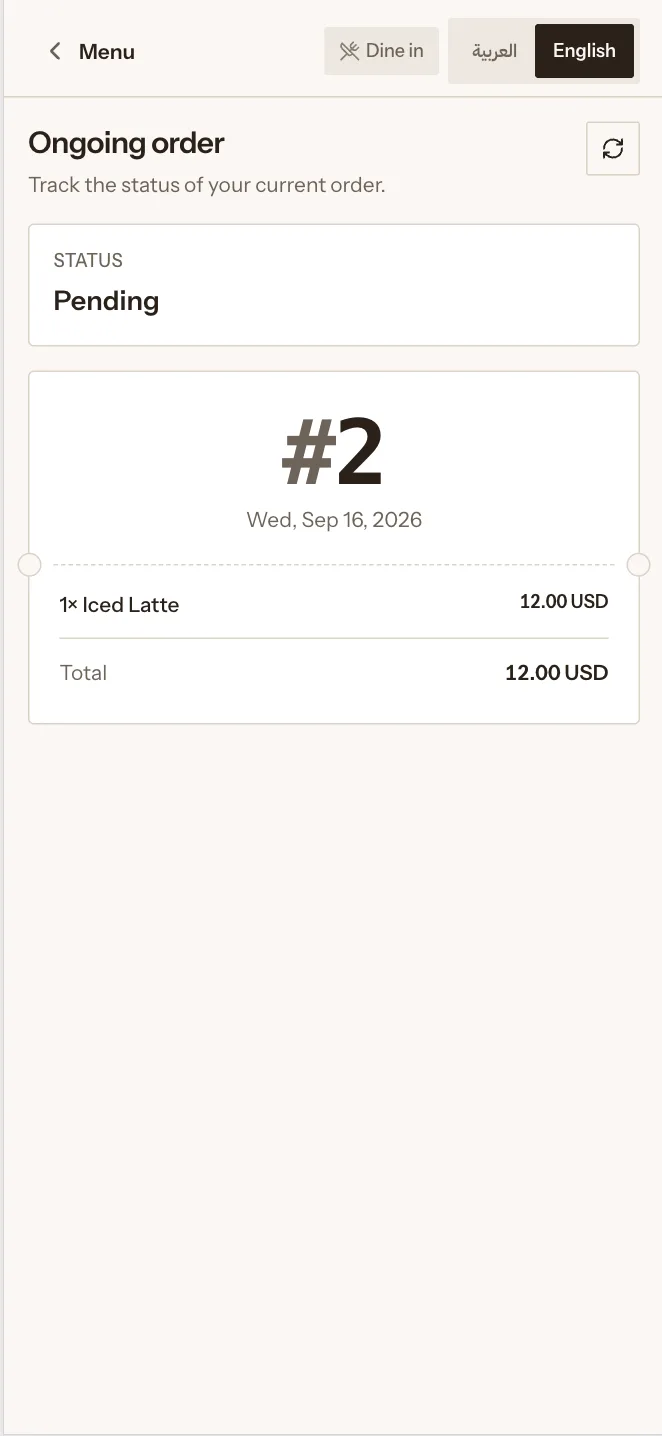
Each QR code is tied to a table. Guests browse your menu and send the order. It arrives in Orderlane like any other ticket.
What you can do
Table is identified automatically
The QR belongs to that table. Guests do not type a number.
Your menu on their phone
Products, options and prices — no app to install.
Same kitchen as the till
A QR order is not a separate stream. It is the same workflow.
Staff stay on the floor
You bring water, answer questions, and step in when someone needs you.
From the table to the pass
01
Scan
The guest opens the menu from the table card.
02
Order
They choose items and send. The table is already attached.
03
Prepare
Bar and kitchen receive what they need to cook.